How Small Businesses Can Protect Themselves from QR Code Scams
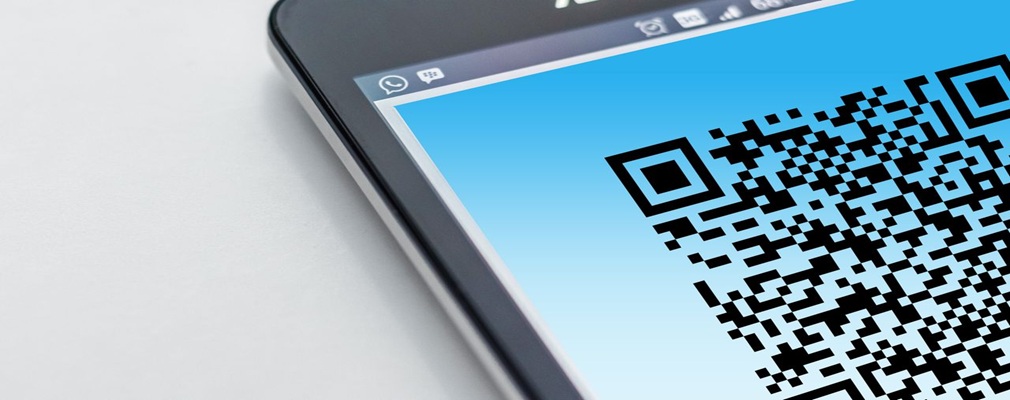
QR codes have become part of everyday business. Small businesses use them for everything from sharing documents and connecting to Wi-Fi to collecting payments and accessing online resources.
Unfortunately, cybercriminals have noticed this trend and are now using QR codes as a new way to launch phishing attacks against small businesses. This type of attack, often called "quishing" (QR code phishing), is growing rapidly and can put your employees, customers, and business data at risk.
If your small business uses QR codes, it's important to understand how these scams work and how to avoid becoming a victim.
What Is a QR Code Scam?
A QR code scam is a phishing attack that hides a malicious website link inside a QR code.
Instead of sending a suspicious-looking web address, attackers embed the link inside a QR code image. When someone scans the code with their smartphone, they're taken directly to a fraudulent website designed to:
- Steal login credentials
- Capture credit card information
- Collect banking details
- Download malware
- Trick users into making payments
For a small business, a single successful QR code scam can lead to account compromise, financial loss, or even a larger cybersecurity incident.
Why QR Code Scams Are Dangerous for Small Businesses
QR code scams can be particularly effective because they bypass many of the security measures that small businesses rely on.
The Malicious Link Is Hidden
Traditional email security tools often inspect web links included in messages.
A QR code, however, disguises the link inside an image, making it harder for some security systems to identify potential threats.
Employees Often Use Personal Phones
When an employee scans a QR code, they usually do so with their smartphone.
That means they may leave behind the security protections that exist on their work computer, such as:
- Web filtering
- Endpoint protection
- DNS filtering
- Browser security controls
For a small business, this creates an additional layer of risk because the attack can move outside the company's managed devices.
QR Code Scams Are on the Rise
Cybercriminals are increasingly using QR code phishing because it works.
As QR code usage continues to grow across businesses and consumers, attackers see more opportunities to exploit trust and convenience.
For small businesses, employee awareness is becoming just as important as traditional cybersecurity tools when it comes to defending against these threats.
Common QR Code Scams That Target Small Businesses
Fake Microsoft 365 or Security Alerts
An employee receives an email claiming their Microsoft 365 account requires verification or that their Multi-Factor Authentication (MFA) must be updated.
The email contains a QR code instead of a clickable link.
After scanning it, the employee lands on a fake Microsoft login page where their credentials are stolen.
Shared Document Requests
A scam email claims a client, vendor, or coworker has shared an important document.
The recipient is instructed to scan a QR code to access the file.
The fake website then requests login credentials.
Fraudulent Invoices
A small business receives an invoice that includes a QR code for "easy payment."
Instead of directing payment to the legitimate vendor, the funds are sent directly to the scammer.
Shipping and Delivery Scams
Attackers send emails or text messages claiming a package delivery failed.
The QR code supposedly helps reschedule delivery but actually leads to a fake website designed to capture personal information.
Physical QR Code Tampering
Cybercriminals sometimes place fake QR code stickers over legitimate ones on:
- Parking meters
- Payment terminals
- Event signs
- Public advertisements
A customer or employee thinks they're scanning a legitimate code but is actually directed to a malicious website.
How Small Businesses Can Protect Themselves
The good news is that a few simple habits can significantly reduce the risk.
Be Skeptical of QR Codes in Emails
Treat QR codes the same way you would treat suspicious links.
If an email asks you to:
- Log in
- Verify an account
- Update banking information
- Make a payment
using a QR code, proceed carefully.
Check the URL Before Opening It
Most smartphones display the destination website before opening it.
Take a moment to review the address.
If it looks suspicious or doesn't match the organization you expect, don't continue.
Go Directly to the Website
If a message claims your Microsoft 365 account needs attention, don't scan the QR code.
Instead:
- Open your browser
- Use a saved bookmark
- Type the website address manually
This simple step can prevent many phishing attacks.
Watch for Urgency
Scammers often create pressure by claiming:
- Your account will be disabled
- Your payment is overdue
- Immediate action is required
Urgent requests are often a warning sign that a scam is involved.
Use Strong Multi-Factor Authentication
Even if a password is compromised, strong authentication methods such as:
- Passkeys
- Security keys
- Authenticator apps with number matching
can help protect your small business from account takeover.
Educate Your Employees
Many employees have never heard of "quishing."
Providing regular cybersecurity awareness training can help your small business recognize QR code scams before they cause damage.
What Should Your Small Business Do If Someone Scans a Scam QR Code?
If an employee scans a suspicious QR code and enters information:
1. Change Passwords Immediately
Reset the affected account password and any other accounts using the same credentials.
2. Verify Multi-Factor Authentication
Confirm MFA is enabled and properly configured.
3. Notify Your IT Provider
Your IT team can review account activity and check for unauthorized access attempts.
4. Contact Your Financial Institution
If payment information or banking credentials were entered, contact your bank immediately and monitor accounts for suspicious activity.
Protect Your Small Business from the Next QR Code Scam
QR codes are convenient, but they also create new opportunities for cybercriminals. As QR code phishing attacks continue to grow, small businesses need to ensure employees understand the risks and know how to respond safely.
By combining employee awareness, strong authentication, and healthy skepticism toward unexpected QR codes, your small business can significantly reduce the chances of becoming the next victim of a QR code scam.
If you'd like help improving cybersecurity awareness training, securing Microsoft 365, or protecting your small business from phishing attacks, contact us today. We're here to help keep your employees, customers, and business data safe.